5 Ways Smart Home Automation Makes Life Easier
Smart home automation makes life easier by connecting lights, locks, cameras, thermostats, and entertainment devices so they work automatically or from one app. Homeowners can save time, improve comfort, strengthen security, and reduce daily decisions with schedules, sensors, voice commands, and routines tailored to how their household lives.
1. What can smart home automation do for homeowners?
Smart home automation turns separate devices into a coordinated system. Instead of adjusting every device manually, you can create routines that respond to time, motion, location, or your voice.
Common examples include:
- Turning off lights and locking doors when you leave
- Adjusting the thermostat before you arrive home
- Receiving alerts when a door opens or motion is detected
- Starting lights, music, or a favorite scene with one command
- Checking cameras, locks, and sensors remotely
The goal is not to fill your home with gadgets. It is to make everyday actions more convenient, consistent, and easier to manage.
2. How does smart home automation improve daily routines?
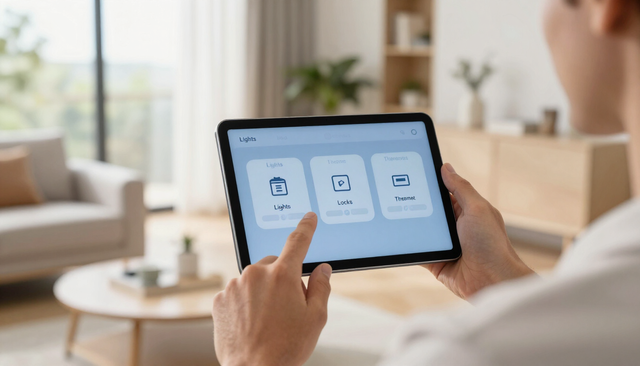
Small tasks add up throughout the day. Smart home technology can handle repetitive actions automatically, helping your morning, workday, and evening run more smoothly.
For example, a “Good Morning” routine might gradually raise the blinds, turn on hallway lights, adjust the thermostat, and unlock selected doors. An “Away” routine could turn off lights, arm the security system, lock doors, and adjust the temperature for energy savings.
You can also create routines for specific situations:
- Movie night: Dim lights, close shades, and start your entertainment system.
- Bedtime: Lock doors, turn off downstairs lights, and lower the thermostat.
- Welcome home: Turn on entry lighting and set a comfortable temperature.
- Vacation: Schedule lights and monitor activity while you are away.
These routines are especially useful for busy families, older adults, and anyone who wants fewer chores competing for attention.
3. Can smart home technology make a house safer?
Yes. Smart home automation can support a layered security plan by combining cameras, lighting, locks, sensors, and alerts. It does not replace good habits or professional guidance, but it can help you notice problems sooner and respond more confidently.
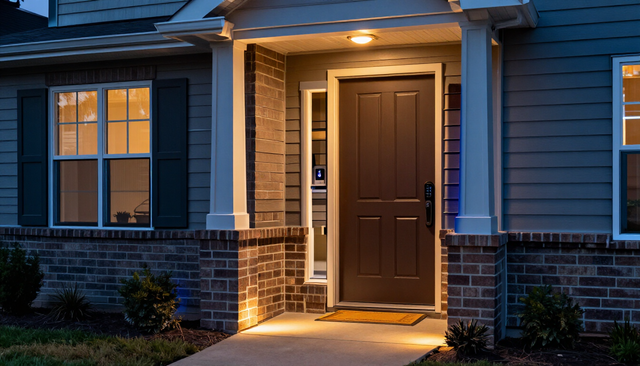
A connected system can notify you when a door opens, show who is at the front entrance, or turn on exterior lights when motion is detected. Smart locks may let you provide temporary access without sharing a physical key. You can also check the status of your home while traveling.
Good security automation should be easy to understand. Use clear alerts, strong passwords, privacy settings, and backup plans for internet or power interruptions.
4. How can automation improve comfort and energy efficiency?
Smart thermostats, lighting, shades, and outlets can help your home feel comfortable without requiring constant adjustments. Sensors and schedules allow devices to respond to occupancy, time of day, and household preferences.
A thermostat can reduce heating or cooling when everyone leaves and restore a comfortable setting before people return. Motion sensors can turn lights on in frequently used areas and off when rooms are empty. Smart shades can reduce afternoon heat or open in the morning for natural light.
Automation can also help you identify waste. A connected app may show unusual energy use or remind you when a device has been left on. Savings will depend on your home, equipment, habits, and settings, so automation should support efficient behavior rather than promise a fixed reduction in utility costs.
5. Which smart home devices should you start with?
The best starting point depends on the inconvenience you want to solve. Begin with one or two high-value improvements instead of buying products randomly.
Practical starting points
- Smart lighting: Useful for schedules, motion detection, scenes, and safer nighttime movement.
- Smart locks: Convenient for keyless entry, temporary codes, and remote status checks.
- Smart thermostat: Helpful for scheduled comfort and better control when the home is empty.
- Security cameras: Provide visibility around doors, driveways, and other important areas.
- Voice or app control: Gives the household a simple way to operate connected devices.
Choose products that work with the same platform or can communicate reliably. Compatibility matters more than having the newest device. A professional can also help plan placement, network capacity, power requirements, and future expansion.
Build a system that fits your home
A useful automation system starts with your lifestyle, not a product list. Walk through a normal day and note where you repeat tasks, worry about security, waste energy, or struggle to control several devices.
Then prioritize improvements using this simple process:
- Choose one problem. Start with lighting, entry access, temperature, or security.
- Check your infrastructure. Confirm Wi-Fi coverage, power, wiring, and device compatibility.
- Select a control method. Use an app, voice assistant, wall control, sensor, or a combination.
- Create a simple routine. Test one trigger and a few actions before adding complexity.
- Review privacy and access. Use unique passwords, software updates, and appropriate sharing permissions.
Is smart home automation worth it?
Smart home automation is usually worthwhile when it solves a real, recurring problem. The value may come from convenience, improved awareness, easier access, comfort, or more consistent energy habits. It is less useful when devices are difficult to control, unreliable, or disconnected from the way your household actually lives.
Before starting, consider installation costs, subscriptions, network requirements, maintenance, privacy, and what happens if a device loses connection. A thoughtful plan can prevent expensive replacements and make future upgrades easier.
Frequently asked questions
Does smart home automation require professional installation?
Not always. Some devices are designed for homeowners to install, while integrated lighting, security, networking, wiring, and access control may benefit from professional planning and installation. The right choice depends on complexity, safety, compatibility, and how much customization you want.
Does smart home automation work without internet?
Some devices and routines can continue working locally, but remote access, cloud features, notifications, and voice services may require internet. Ask how each system behaves during an outage and consider local controls or backup options for essential functions.
Can smart home automation be added to an existing house?
Yes. Many systems can be added gradually to existing homes. A successful retrofit starts by checking electrical capacity, Wi-Fi coverage, wiring, device compatibility, and the locations where automation will provide the most benefit.
The practical takeaway
Smart home automation makes life easier when it removes repetitive work and connects the parts of your home you use every day. Start with a specific goal, such as safer entry, simpler lighting, better temperature control, or remote visibility. Choose compatible devices, build one routine at a time, and keep controls simple for everyone in the household. Homeowners in Dallas-Fort Worth can begin with a focused upgrade or request guidance for a complete system. Evaluate your biggest daily pain point, then choose the automation that addresses it most directly.